
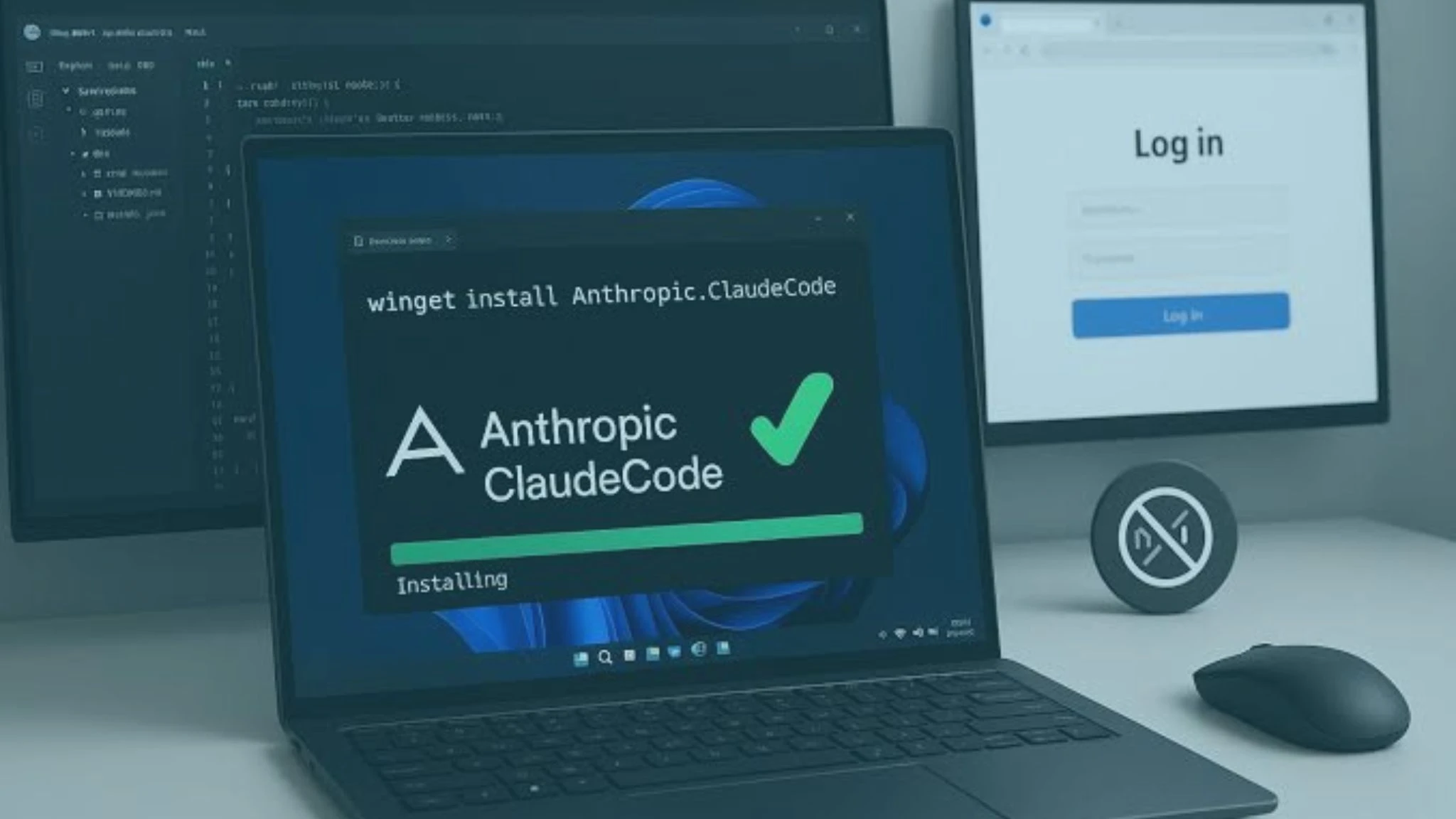
If you searched Node js for Claude Code expecting a straightforward yes-or-no answer, you’ve probably found more conflicting information than you bargained for. Some guides insist you need Node.js installed before anything works; others say Claude Code runs natively with zero dependencies. Both are technically right, depending on how you install it.
This guide breaks down exactly when Node js for Claude Code actually matters, how to set up a clean install either way, plus a quick tour of statusline Claude Code customization, the everything Claude Code toolkit, Claude Max, and how to choose between Claude Sonnet vs Opus for your setup.
Do You Actually Need Node js?
No, not by default. As of 2027, Anthropic’s recommended installation method is a native installer that downloads a self-contained binary with zero dependencies. That means the widespread assumption that Node js for Claude Code is mandatory is actually a holdover from Claude Code’s earlier distribution method, back when npm was the only install path available.
Read More About: Claude Agent SDK Explained: The Complete 2026 Guide to Building Smarter AI Agents
When Does Node js for Claude Code Actually Matter?
Node js becomes relevant in two specific situations. First, if you deliberately choose the npm installation method instead of the native installer, some teams prefer this for version pinning in CI/CD pipelines, or because they already standardize their tooling around npm. In that case, Node js for Claude Code requirements kick in for real: you’ll need Node js 18 or newer at minimum, though current guidance points to Node js 22, the current LTS release, for the smoothest experience going forward.
Second, Node js for Claude Code becomes unavoidable if the actual codebase you’re working on is itself a Node.js or TypeScript project; many MCP servers and tools in the Claude Code ecosystem are built on Node.js, even when Claude Code’s own runtime isn’t.
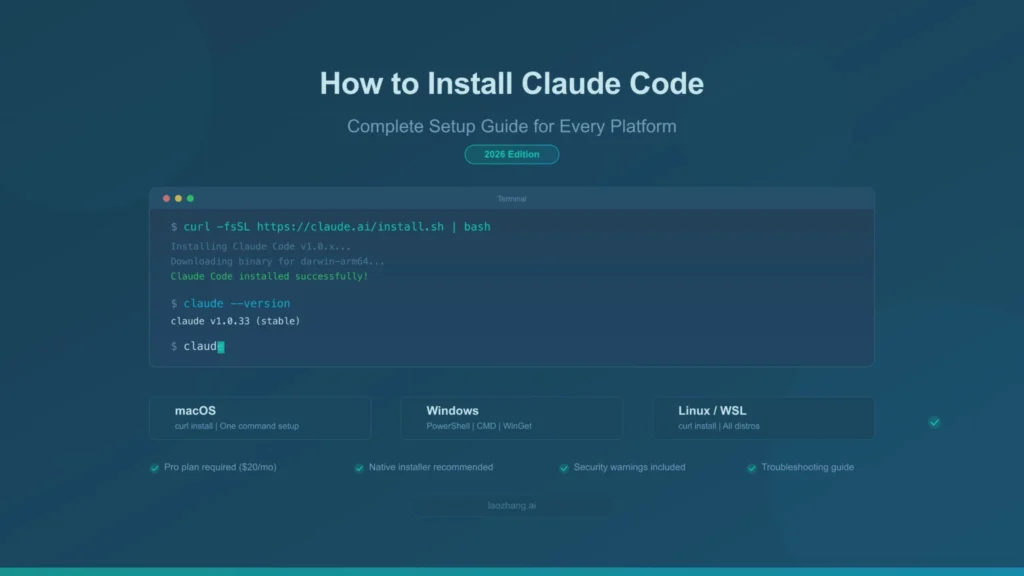
How Do You Install Claude Code With (or Without) Node js?
If you want to skip Node js for Claude Code entirely, use the native installer on macOS, Windows, or Linux, it needs no Homebrew, no Node js, and updates itself automatically in the background. If you prefer or need the npm path, confirm your version first with node –version, then run npm install -g @anthropic-ai/claude-code. Either way, running claude doctor right after install is worth the ten seconds it takes; it checks your Node version (when relevant), authentication state, and configuration integrity in a single command, and it catches most of the issues that trip up first-time installs.
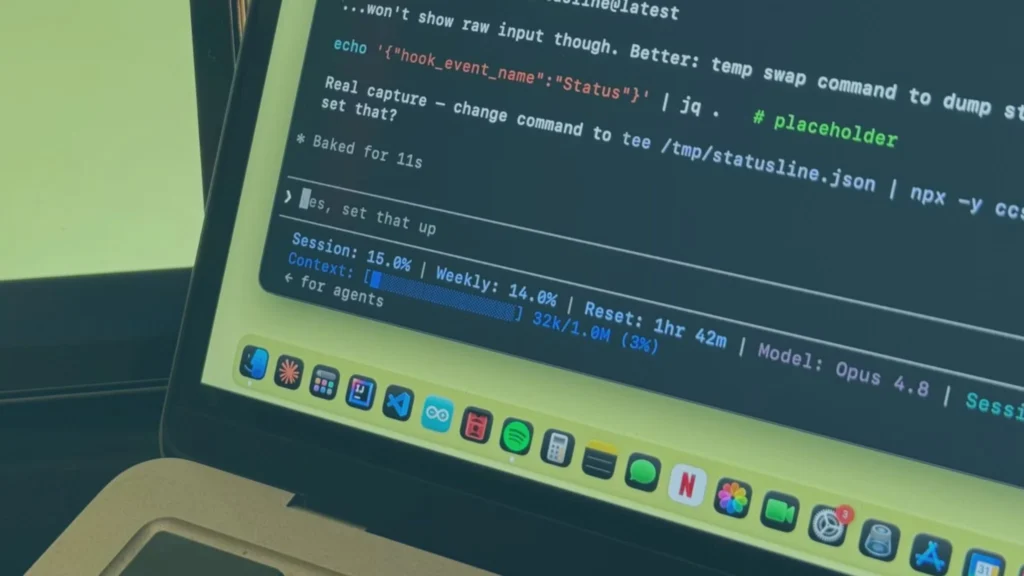
What Is Statusline Claude Code, and Why Should You Set One Up?
Once Claude Code is running, statusline Claude Code customization is one of the most underrated setup steps. The status line is the thin bar at the bottom of your terminal that can display your current model, git branch, token usage, and session cost in real time, similar to how a shell prompt like Oh My Zsh works. You can configure statusline Claude Code two ways: run the built-in /statusline command and describe what you want in plain language, or manually add a statusLine command to your .claude/settings.json pointing at a custom script.
A good statusline Claude Code setup answers three questions at a glance: which branch am I on, which model is active, and how close am I to hitting context limits, the kind of operational awareness that saves you from digging through logs mid-task.
How Does Everything Claude Code Help You Get More From Your Setup?
If you want a mature configuration without building one from scratch, the open-source Everything Claude Code project (often shortened to ECC) packages a production-tested set of agents, skills, hooks, commands, and rules that the community has refined over months of daily use. Since Node js for Claude Code and statusline Claude Code setups both live inside the same settings.json and filesystem-based configuration, a lot of what Everything Claude Code ships can be adopted directly, rather than reinvented from scratch.
Read More About: Free AI Image Prompt Guide Write Prompts That Actually Look Like What You Pictured
Claude Sonnet vs Opus Which Model Should Your Claude Code Setup Use?
Once your environment is running, the Claude Sonnet vs Opus decision shapes both your cost and your output quality. Claude Sonnet 5, released in mid-2026, is Anthropic’s mid-tier workhorse: fast, roughly 40 to 60 percent cheaper per token than Opus 4.8, and close enough in raw capability that it now handles the majority of everyday coding tasks, function writing, debugging, code review, and documentation, at a fraction of the cost. Opus 4.8 still leads narrowly on the hardest coding and reasoning benchmarks, and Anthropic specifically recommends it for ambiguous, high-stakes, or architecturally complex work where judgment under uncertainty matters most.
The practical Claude Sonnet vs Opus rule most experienced Claude Code users settle on: default to Sonnet 5 for routine work, and escalate to Opus 4.8 only when a specific task actually justifies the premium.

What Is Claude Max, and Do You Need It to Run Claude Code?
Claude Max is Anthropic’s premium subscription plan, and it’s worth understanding before committing to a heavy Claude Code workflow. It starts at $100 a month and gives you 5x or 20x more usage than the Pro plan, higher output limits, and early access to new features. Critically, Claude Code itself requires at least a Pro, Max, Team, Enterprise, or Console account, the free claude.ai plan doesn’t include Claude Code access at all. If you’re running Claude Code for hours a day, Claude Max is generally what keeps you from hitting rate limits mid-session; lighter users often get by comfortably on Pro.
Do I really not need Node js for Claude Code anymore?
Correct, if you use the native installer. Node js is only required if you specifically choose the npm-based installation method, or your actual project is a Node.js codebase.
What’s the minimum Node.js version for Claude Code’s npm install?
Node.js 18 or newer is the stated minimum, though current documentation points to Node.js 22, the current LTS release, for full compatibility going forward.
Can I set up statusline Claude Code without writing my own script?
Yes. Running the built-in /statusline command and describing what you want in plain language generates a working script for you automatically.
Final Thoughts
Whether you’re double-checking Node js for Claude Code requirements, wiring up a statusline Claude Code setup, browsing everything Claude Code for a head start, weighing Claude Sonnet vs Opus for your next session, or deciding if Claude Max is worth the upgrade, the setup process in 2027 is more flexible than most outdated guides suggest. Explore more Claude Code guides and AI tool breakdowns on Innov8Eight.