
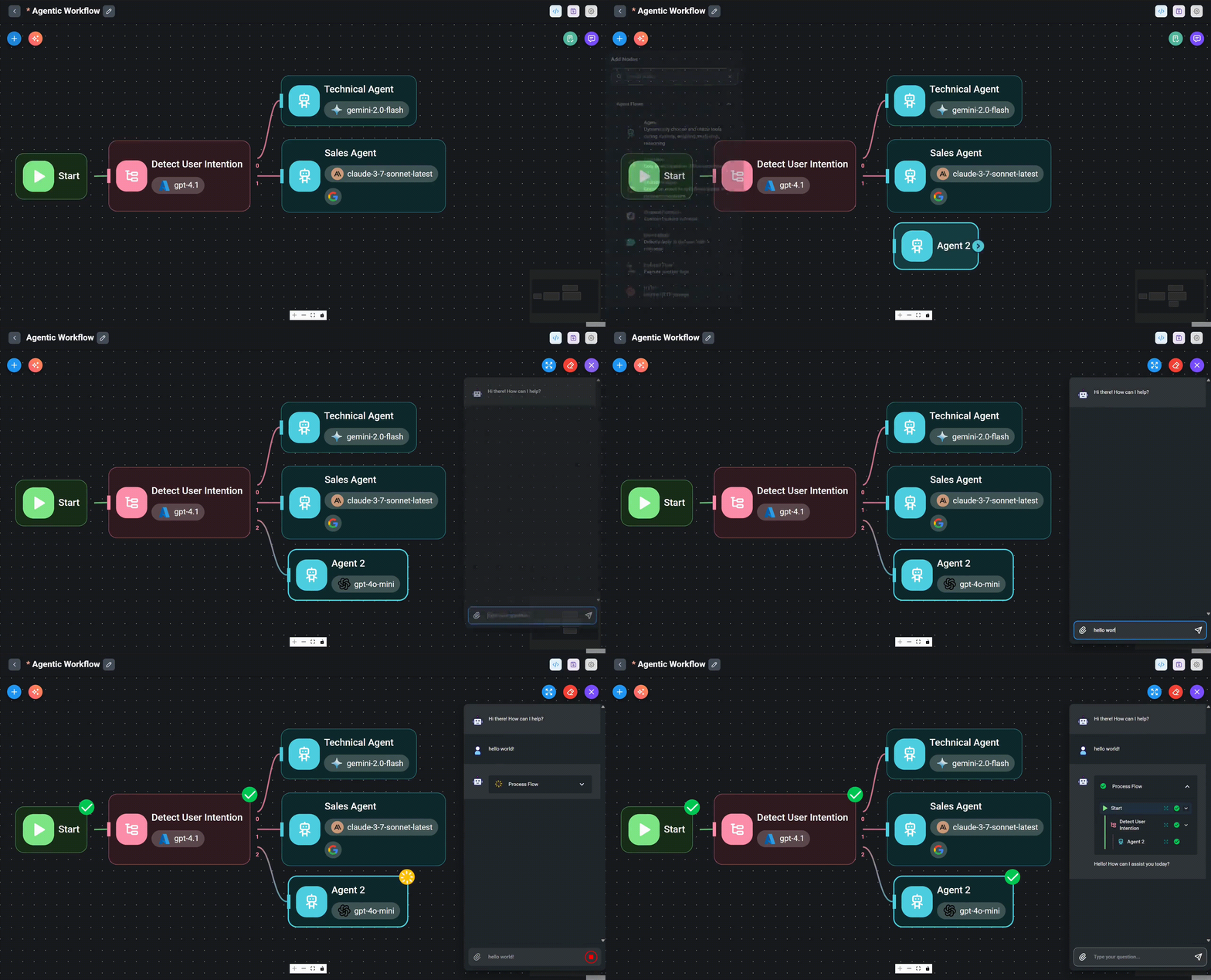
If you’ve been exploring how developers build real, working AI agents instead of one-off chatbot demos, you’ve probably run into one name again and again; the Claude Agent SDK. Anthropic’s Claude Agent SDK has quietly become one of the most talked-about tools for developers who want to move past simple prompt-and-response chat and build agents that actually do things, read files, run commands, search the web, and complete multi-step tasks on their own.
In this guide, we’ll break down exactly what the Claude Agent SDK is, how it compares to Claude Max and Claude Code, where the popular everything-claude-code toolkit fits in, and how you can start building with it today.
What Is the Claude Agent SDK, and Why Does It Matter?
The Claude Agent is Anthropic’s official library for building production-ready AI agents in Python and TypeScript. Formerly known as the Claude Code SDK, it was renamed once Anthropic recognized that developers weren’t only using it to write code; they were using it to automate research, customer support, data analysis, and dozens of other real-world workflows.
At its core, the Claude Agent gives you the same engine that powers Claude Code: the same agent loop, the same context management, and the same set of built-in tools. Instead of interacting with that engine through a terminal, you get to drive it programmatically from inside your own application.
Read More About: Free AI Image Prompt Guide
That distinction matters. Most AI wrappers simply send a prompt to an API and print the response. The Claude Agent SDK is built differently; it hands your code an agent that can plan its own steps, decide which tool to call, execute that tool, review the result, and keep working until the task is genuinely finished.
How Does the Claude Agent SDK Actually Work?
Under the hood, the Claude SDK runs what Anthropic calls the “agent loop”: Claude reads the task, chooses a tool, the SDK executes that tool inside your environment, the result gets fed back to Claude, and the cycle repeats until the job is done. This is the exact loop running behind every Claude Code session; the Claude SDK just exposes it as code you can call directly.
Out of the box, the Claude Agent SDK ships with built-in tools for reading and writing files, running bash commands, searching the web, fetching pages, and editing code, so you’re not stuck writing tool-execution logic from scratch. It also supports:
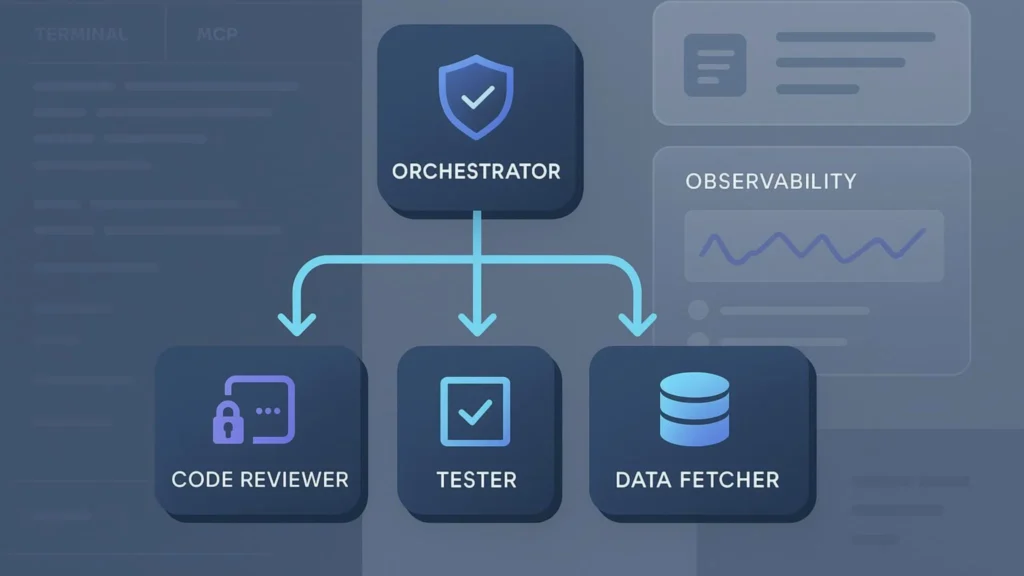
- Subagents that let you delegate focused subtasks to specialized mini-agents
- Lifecycle hooks (like PreToolUse and PostToolUse) so you can intercept and control what the agent does at each step
- Native MCP (Model Context Protocol) support for connecting external tools and data sources
- Fine-grained permissions so you decide exactly what the agent is and isn’t allowed to touch
- Resumable and forkable sessions for long-running or branching workflows
Authentication happens through your Anthropic API key by default, though the Claude Agent SDK also supports Amazon Bedrock and Google Vertex AI for teams already running infrastructure on those platforms.

What Can You Build With the Claude Agent SDK?
Because the Claude Agent SDK is essentially “Claude Code packaged as a library,” almost anything you’d want an AI teammate to automate is fair game:
- Coding agents that find and fix bugs in an existing codebase
- Customer support agents that read documentation and resolve technical tickets
- Research agents that search the web, gather sources, and summarize findings
- Internal operations agents that read spreadsheets, generate reports, or clean up messy data
Read More About: Do You Actually Need Node js for Claude Code
The Claude Agent SDK is intentionally unopinionated about the end result; it hands you the harness, not a finished product. What you build with the Claude Agent SDK is entirely shaped by your own use case.

Claude Agent SDK vs Claude Code vs Claude Max
This trips up a lot of newcomers, so let’s clear it up simply.
- Claude Code is the interactive, terminal-based coding agent, the one a developer actually types into and watches work in real time.
- The Claude Agent SDK is that same agent harness, exposed as a Python or TypeScript library so your own application can drive it instead of a human typing at a prompt.
- Claude Max is something entirely different; it’s Anthropic’s premium consumer subscription for Claude.ai and interactive Claude Code sessions, starting from $100 a month, giving you 5x or 20x more usage than the Pro plan, higher output limits, and early access to new features.
Here’s the nuance that matters most: Claude Max is designed for people chatting with Claude or running Claude Code interactively throughout the day. The Claude Agent SDK, by contrast, is typically billed through your Anthropic API key at standard token rates rather than a flat Claude Max subscription, since Anthropic doesn’t allow third-party products built on the Claude Agent SDK to rely on claude.ai login or Claude Max rate limits. If you’re building a product on the Claude Agent SDK, plan your budget around API usage, not a Claude Max seat.
How Does everything-claude-code Fit Into Your Claude Agent SDK Workflow?
If you want to skip weeks of trial and error, the open-source everything-claude-code project (often shortened to ECC) is worth a look. It’s a community-built, production-tested collection of agents, skills, hooks, commands, and rules, refined over months of daily Claude Code use in real projects.
Because the Claude Agent SDK shares Claude Code’s filesystem-based configuration, much of what everything-claude-code ships, its rules, its hook patterns, its subagent definitions — can be adapted directly into projects built on the Claude Agent SDK. It’s one of the fastest ways to see what a mature, battle-tested agent setup actually looks like before designing your own from scratch.

What Are the Best Prompts to Start Building With the Claude Agent SDK?
Prompts inside the Claude Agent SDK aren’t like typical chatbot prompts; you’re instructing an agent that will plan, act, and iterate on its own. A few starting points that work well:
- “Find and fix the failing tests in this repository, explaining each fix before you apply it.”
- “Read through this codebase, identify any unused dependencies, and remove them safely.”
- “Search the web for the three most recent updates on [topic], summarize them, and save the summary as a markdown file.”
- “Review this pull request for security issues and leave inline comments explaining any risk you find.”
Notice the pattern: each prompt gives the Claude Agent SDK a clear goal, a defined scope, and often a “show your reasoning” instruction. That structure is what turns a vague request into a task the agent can actually plan around and complete.
Read More About: Prompt Engineering for Beginners: Your Complete Guide to Writing Better AI Prompts
Is the Claude Agent SDK Worth Learning in 2026?
If you’re a developer who wants to move beyond simple API calls and build something that behaves like a genuinely capable, autonomous teammate, the Claude Agent SDK is one of the most practical places to start. It doesn’t require you to reinvent tool execution, context management, or the agent loop; Anthropic has already built and battle-tested all of it inside Claude Code. You’re simply borrowing the engine.
Pair the Claude Agent SDK with real-world resources like everything-claude-code, budget for it through your Anthropic API usage rather than a Claude Max subscription, and you’ll have a genuinely production-ready setup within days, not months.
Is the Claude Agent SDK free to use?
The Claude Agent SDK itself is a free, open library for Python and TypeScript. What you pay for is the underlying API usage — tokens processed through your Anthropic API key, billed at standard rates.
Do I need Claude Max to use the Claude Agent SDK?
No. Claude Max is a consumer subscription built for Claude.ai and interactive Claude Code sessions. The Claude Agent SDK is typically authenticated and billed through an API key instead.
Which languages does the Claude Agent SDK support?
Officially, Python and TypeScript. Other languages can still drive the same agent loop by running the Claude Code CLI as a subprocess with a JSON output format.
Final Thoughts
The Claude Agent SDK isn’t just another API wrapper; it’s Anthropic handing developers the same engine that makes Claude Code genuinely useful, and letting them build with it directly. Whether you’re automating code reviews, building research agents, or exploring the everything-claude-code ecosystem for ready-made patterns, now is a great time to get hands-on with the Claude Agent SDK.
Want more breakdowns like this? Explore our full library of AI tool guides and best-prompt collections on Innov8Eight, and check back weekly as we cover the next wave of AI agents worth your time.